Email

tamvietkdpp@gmail.com

Hotline

0985963116
Loading...
Menu
Loading...

 CATEGORY OF service

Loading...

special service 

Fix air conditioner

Home-based air-conditioning repair service with professional air-conditioning repairing staff with 10 years of experience and user trust.

Fix The Washing Machine

Home washing machine repair service in Ho Chi Minh City with washing machine repairing staff with 10 years of experience.

Replace Macbook Screen Macbook Pro 2017

Broken MacBook Pro 2017 screen is definitely what makes many users have a lot of trouble using and worrying because the price of replacing MacBook Pro 2017 screen is not cheap. With some errors, you can still fix but with serious screen error or broken screen, replacing the MacBook Pro 2017 screen will be the only way to fix it.

Installment Plan With HomeCredit Financial Company

Installment installments via homecredit finance company - 0% interest - 1 minute online browsing

Replace Dell Inspiron Laptop Battery

Replace Dell Inspiron laptop battery prestigious, good price, where? That is the frequently asked question of everyone. If the screen is the soul of a laptop, then the battery will act as the heart. A healthy battery is a battery with a good time of use, a low battery makes all activities are interrupted halfway causing discomfort.
 

Dell Inspiron series laptops - Mid-range laptops, good configuration, long battery life

Dell is a major computer brand in the world, as well as in Vietnam. The product lines from this brand are quite popular by users because of good design, strong performance and equipped with many convenient features. When mentioning Dell laptops, it is impossible to mention the Inspiron product line - one of the most popular laptops today.

The common feature of the laptops in this product line is the relatively cheap price but still ensure good configuration, suitable for use in office work, entertainment as well as gaming.

Most Dell Inspiron laptops have a design with a hard plastic shell, relatively light weight. Details such as keyboard, touchpad, connection port, ... are meticulously designed to provide the best user experience. The display and performance of the device are also highly appreciated and fully meet from the most basic tasks (text editing, web surfing, watching movies ...) to those requiring strong configuration. (playing online games, photoshop, AI, ...).
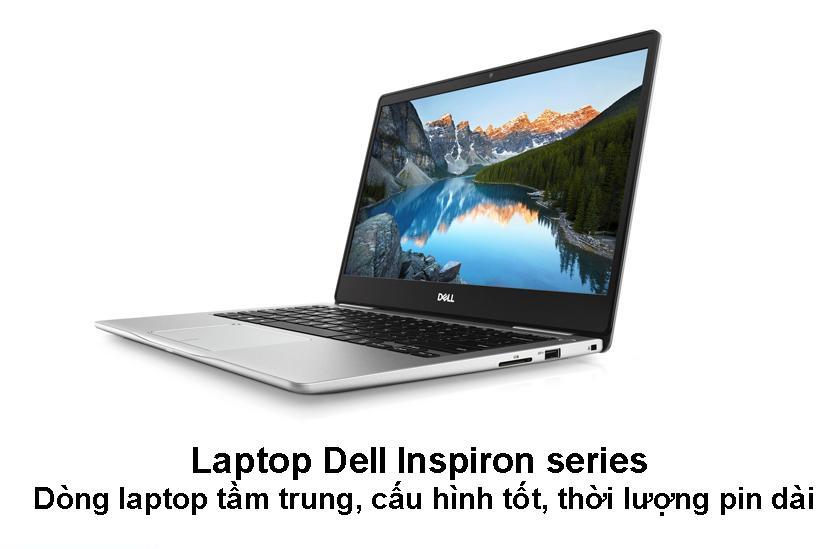
In general, Dell Inspiron laptops have a relatively long usage time. The battery fitted to this laptop is largely removable Li ion battery, so repairing the battery on this laptop line is relatively easy. The company rarely publishes the exact battery life of the device, but most of it falls between 6-7 hours when used with normal tasks and about 3-4 hours if watching movies. , videos, gaming, ...

What should you do to keep the battery life of Dell Inspiron laptop after replacing it?

Overall, the proper use and care of your device will help you conserve longer battery life. Some measures that you should take to extend the life and battery life of Dell Inspiron laptops
  • Turn off unnecessary background tasks: this is one of the reasons for the reduced battery life, overloading the device and prone to overheating.
  • Restricting to open multiple browsers at once.
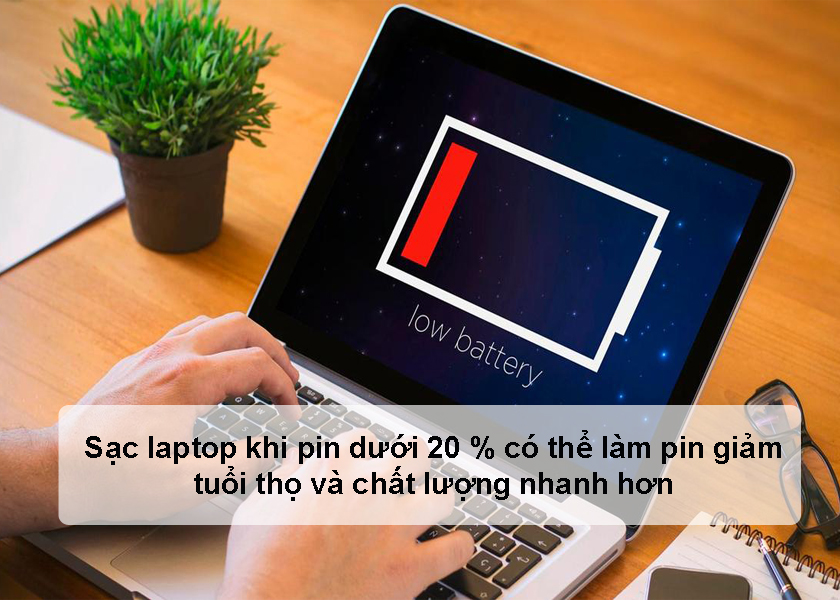
  • Avoid charging and using the device at the same time that the device has reported low or even very low batteries. This will cause aging of the battery components. It is best to plug the charger when you see the battery is about 20%.
  • Do not use chargers not specifically designed for the device. Doing this will cause the battery to drain very quickly. In addition, using incompatible chargers may result in a risk of fire.

When you need to replace the Dell Inspiron laptop battery right away to avoid damaging the life of the machine

Unfortunately, no matter how carefully you take care and care of your computer's battery, one day, the battery will "run out of life and become bottled." Heavier than the battery may become swollen, watery, and seriously damaged. At that time, you need to replace the battery to continue using the device normally as well as avoid risks to the machine and your own health.
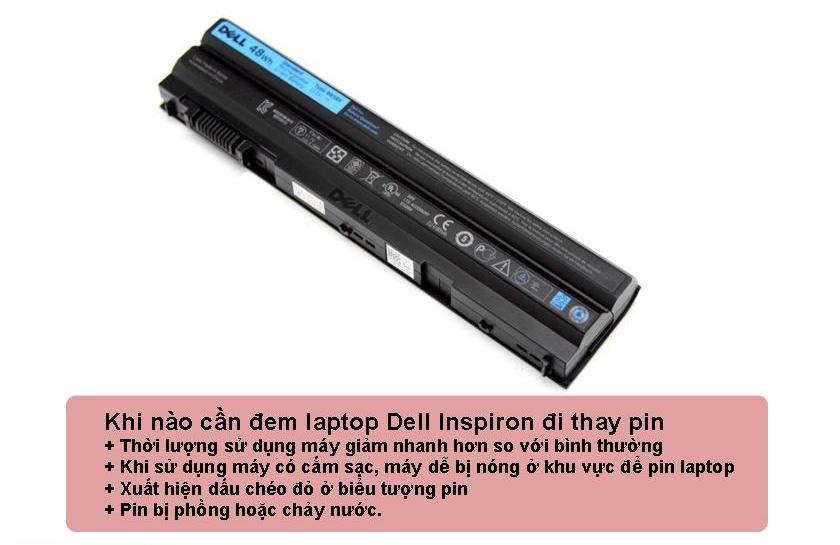
Here are some signs that the Inspiron laptop battery is broken and needs to be repaired

  • When using a laptop without a charger, the amount of time using the computer decreases faster than usual
  • When using the device with a charger, the device easily gets hot in the area of ​​the laptop battery
  • A red cross appears on the battery icon (indicating that the device is not receiving the battery)
  • The battery is swollen or watery.
  • The battery display icon on the taskbar still displays a message that is still charging when the laptop is connected to the charging adapter, but if you unplug the laptop, the laptop is completely powered off.

The above signs sometimes occur due to machine software errors, or other hardware failures. Therefore, it is best to bring your device through reputable centers to be carefully tested and accurately reported. If the battery is defective or damaged, it must be replaced because if it continues to use, the faulty battery will affect the surrounding components or, more seriously, endanger the user.


RELATED SERVICE